Sell online
List once, sell everywhere.
Approve a vehicle’s listing, post it to Facebook Marketplace from your own account and show it on your website.
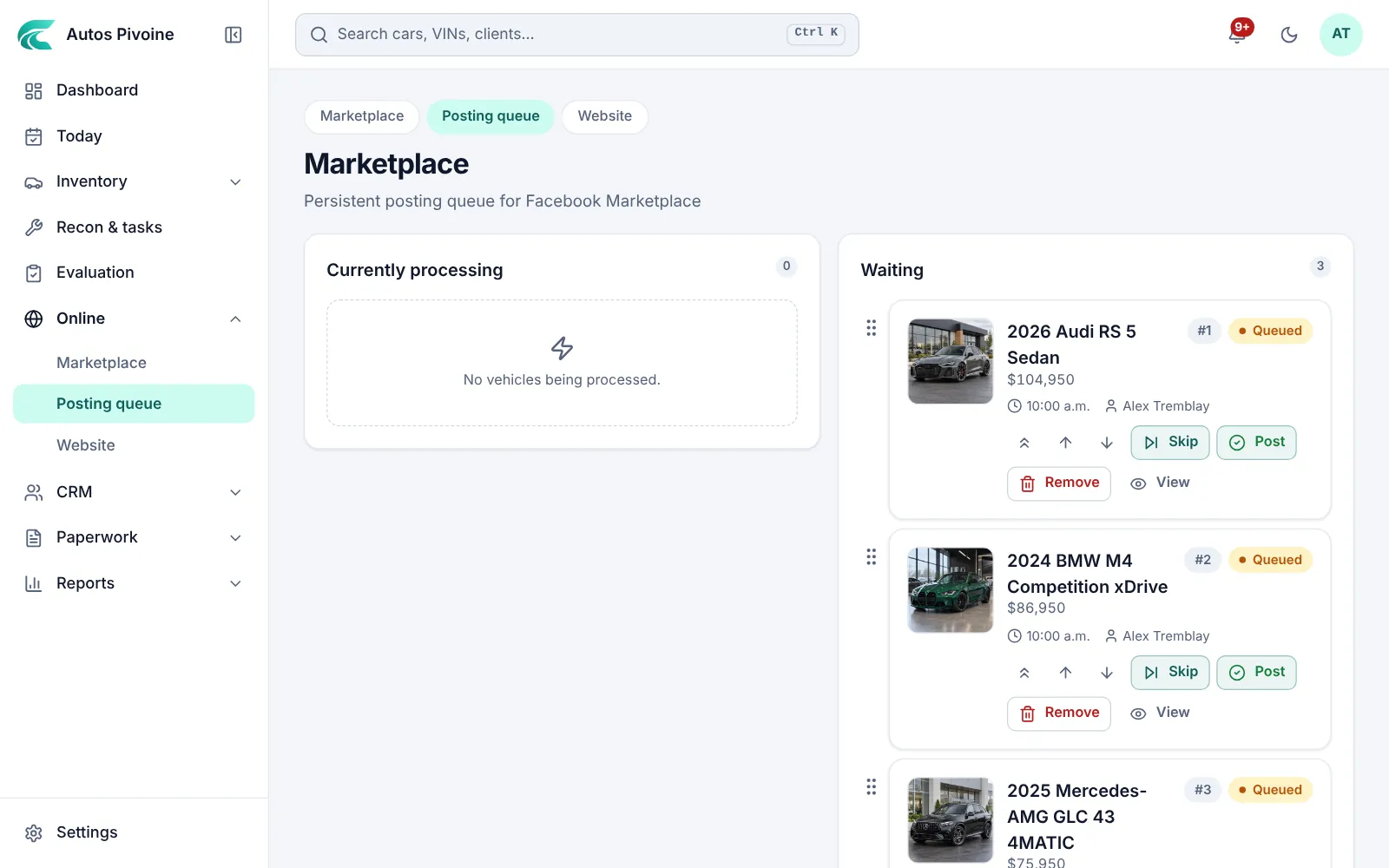
In the queue
3 listings
Posted by the extension
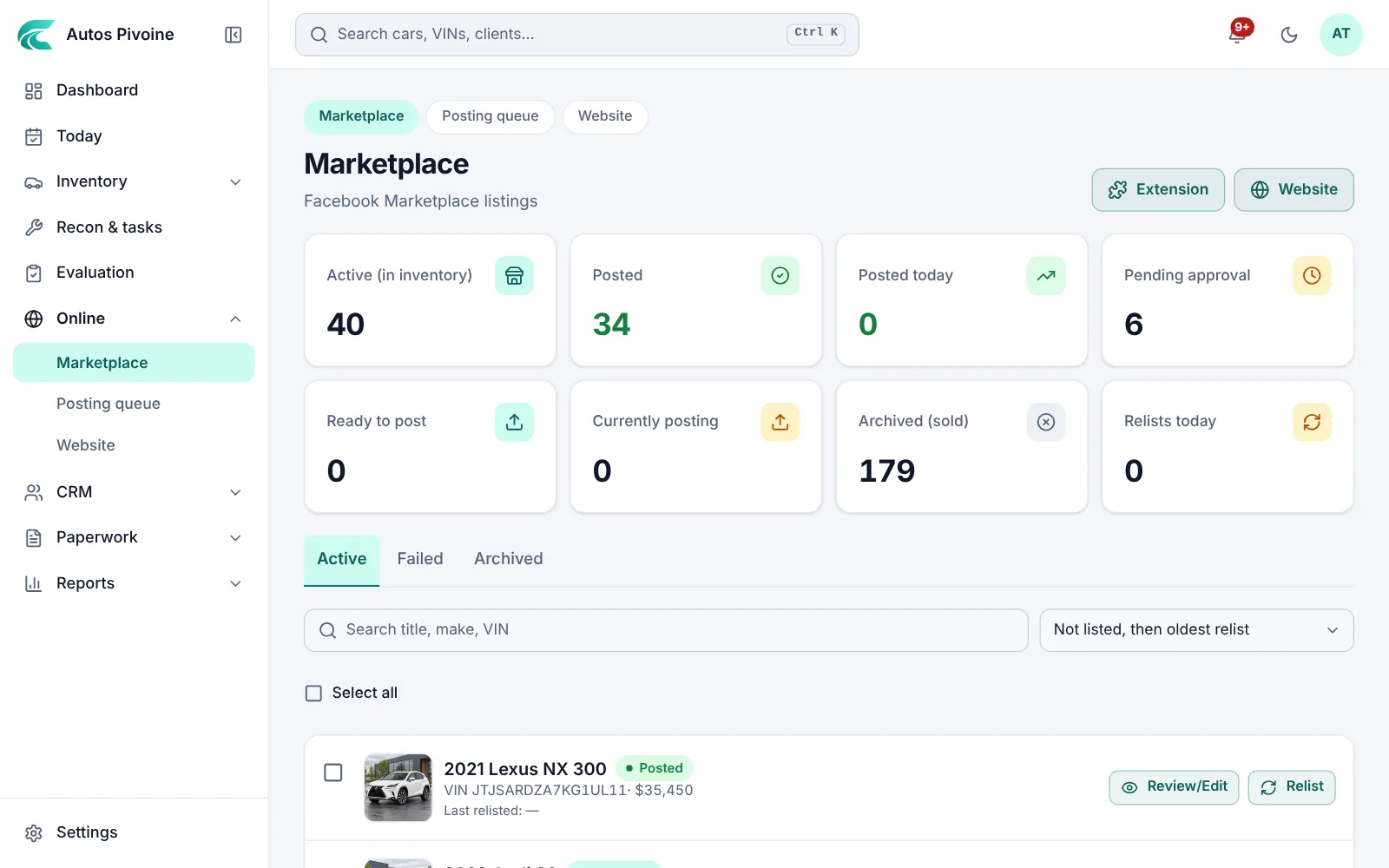
Approve the listing
The title, the description in French and English, the photos and the price are prepared from the vehicle; you review and approve.
Why it helps
One approved listing feeds Marketplace, your website and client links.
How to use it
- Open Online › Marketplace.
- Check the photos, the description and the price.
- Approve; the car joins the posting queue.
Professional and Elite plans.
Facebook Marketplace queue
The Carvolio marketplace extension posts from your own Facebook account, one listing at a time, and reminds you when it’s time to relist.
Why it helps
Your listings stay under your name, and posting no longer takes your evening.
How to use it
- Install the Carvolio marketplace extension.
- Put Online › Posting queue in the order you want; the extension posts the first car.
- Relist or remove from the same page.
Professional and Elite plans.
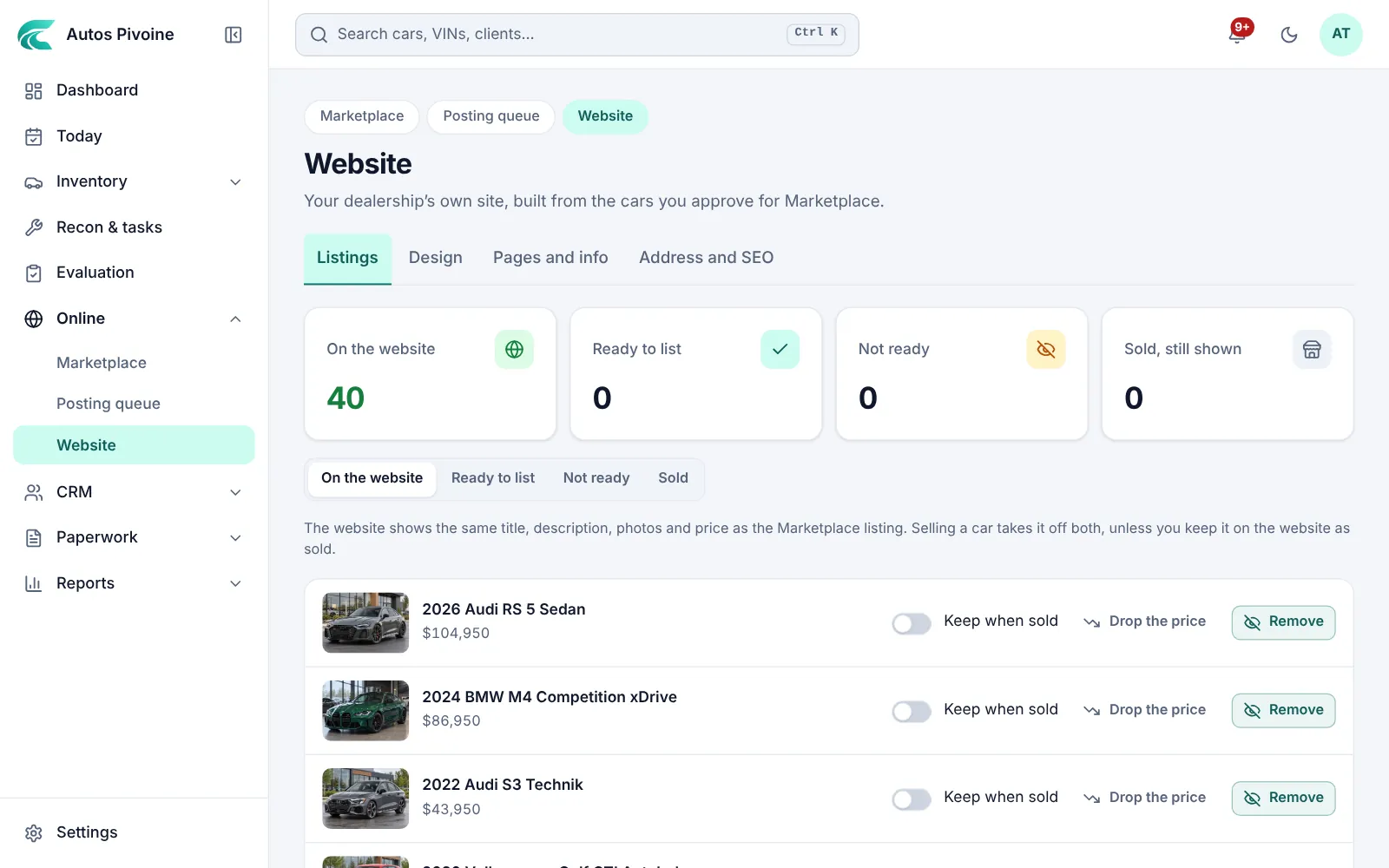
Your own website
Inventory with filters, car pages with photos, a financing calculator, reviews and a contact form, on your domain or a free address.
Why it helps
Buyers who find you on Facebook check your site. It’s always up to date.
How to use it
- Open Online › Website and choose your colours and pages.
- Connect your domain or use the free address.
- Cars put on the website show up by themselves.
Professional and Elite plans.
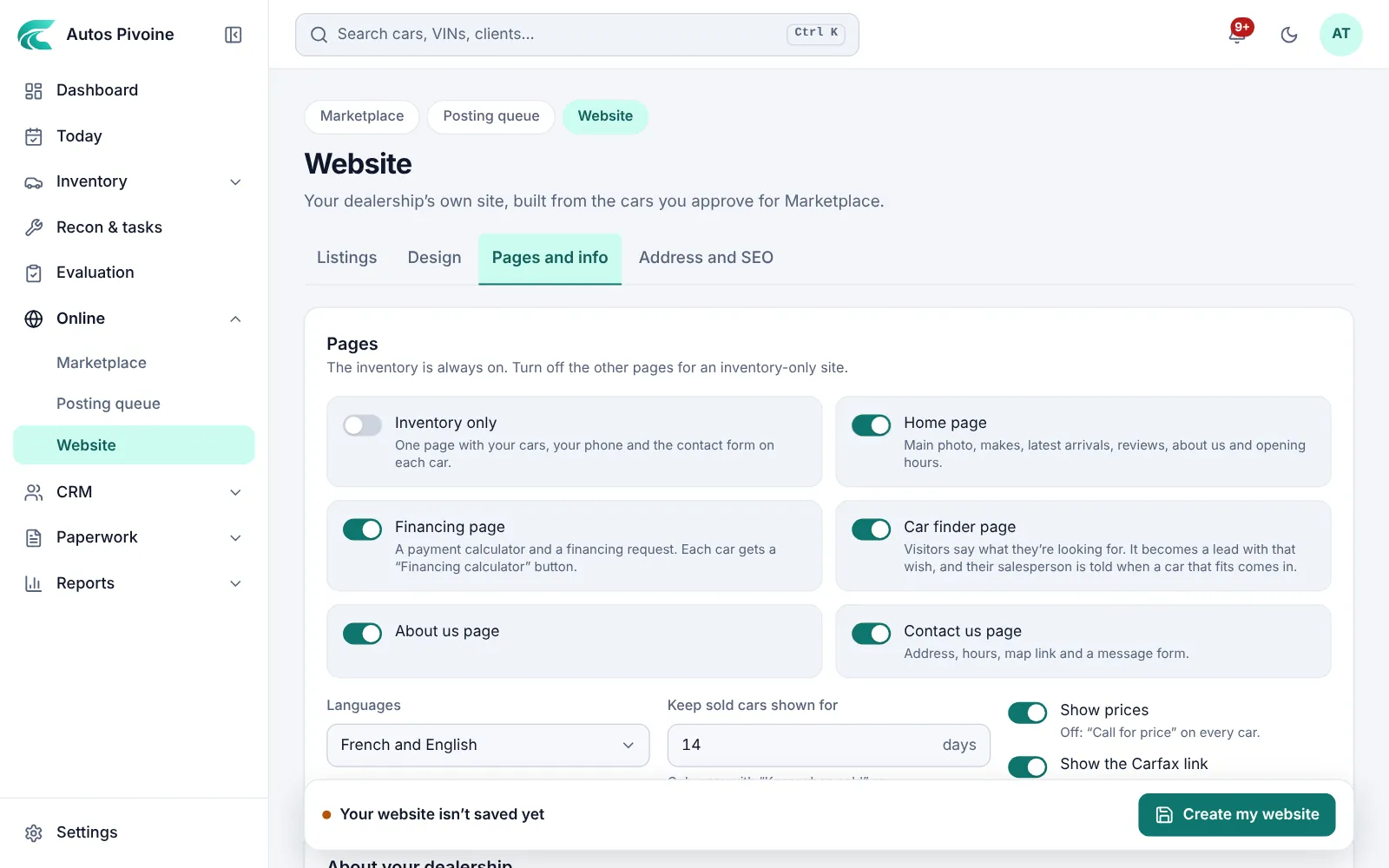
Car finderNew
A page on your website where visitors say what they’re looking for. It becomes a lead with that wish.
Why it helps
A visitor who doesn’t find their car today becomes the buyer you call when it comes in.
How to use it
- Open Online › Website.
- Turn on the Car finder page.
- Requests arrive as leads, with what they want under Looking for.
Professional and Elite plans.