Team
Everyone sees what they need, nothing more.
Invite your team, give each person a role, assign recon tasks and pay commissions on every sale.
Today
2 tasks
Samuel Gagnon
Roles and access
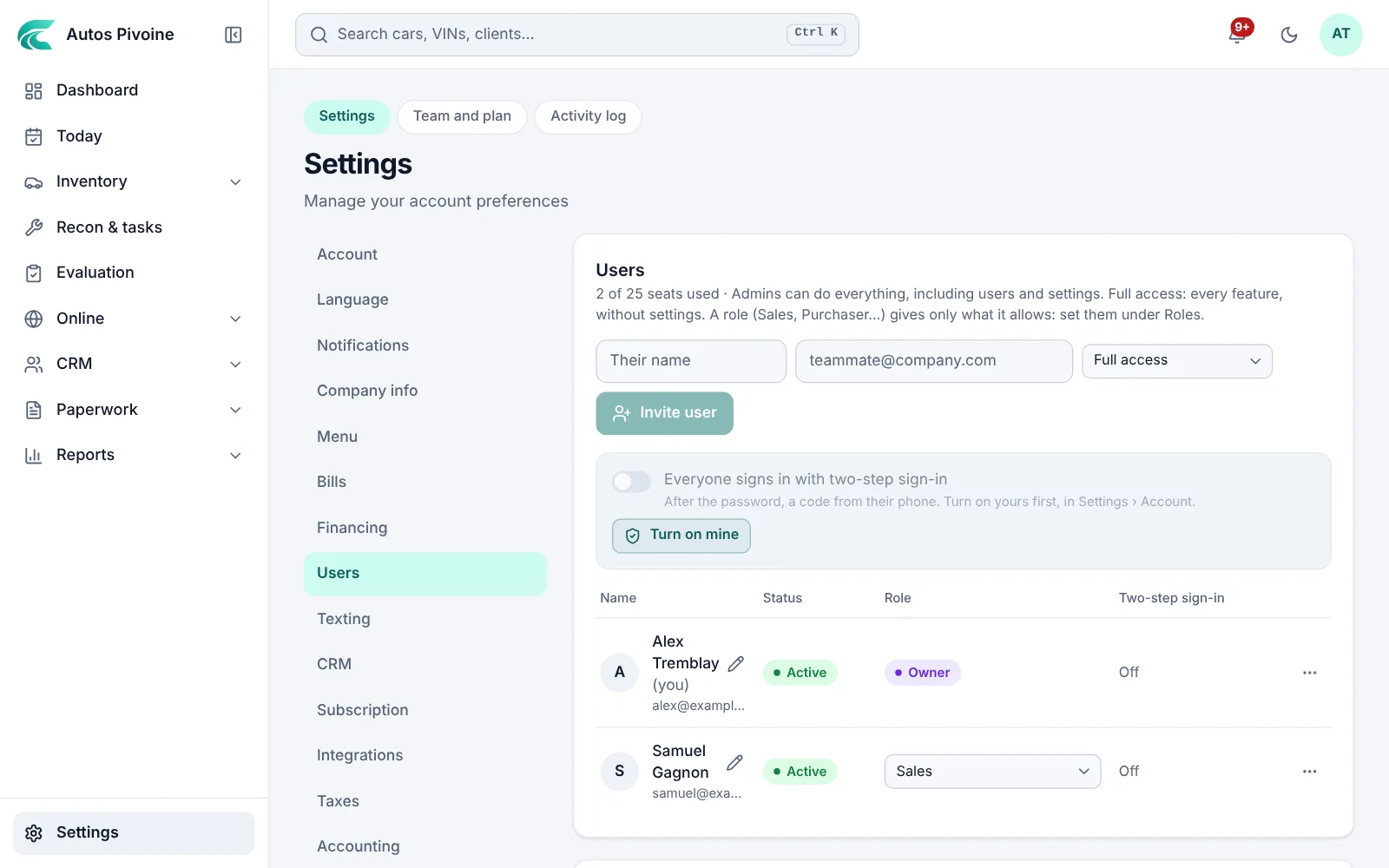
Owner, admins and members, with roles that decide who sees costs and profit, who can edit and who only looks.
Why it helps
A seller doesn’t need to see the purchase price. A buyer does.
How to use it
- Open Settings › Users.
- Invite someone by email.
- Pick a role, or make your own.
Included in every plan.
Recon and dealer tasks
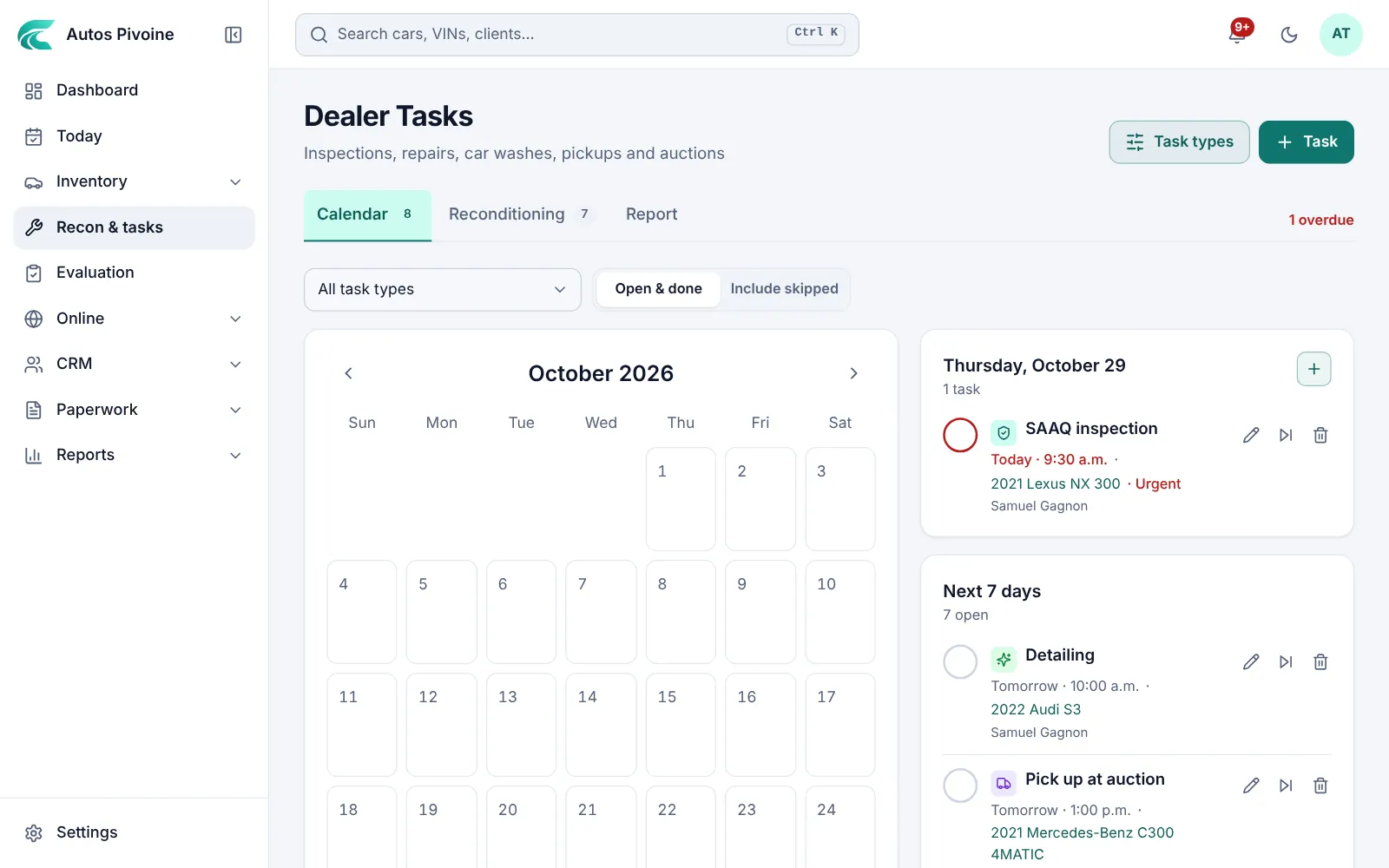
Inspections, repairs, car washes and pickups on a calendar, each tied to a car and a person.
How to use it
- Open Recon & tasks.
- Add a task with its car, date and who does it.
- Check it off when it’s done; late ones stay in red.
Included in every plan.
Seller commissions
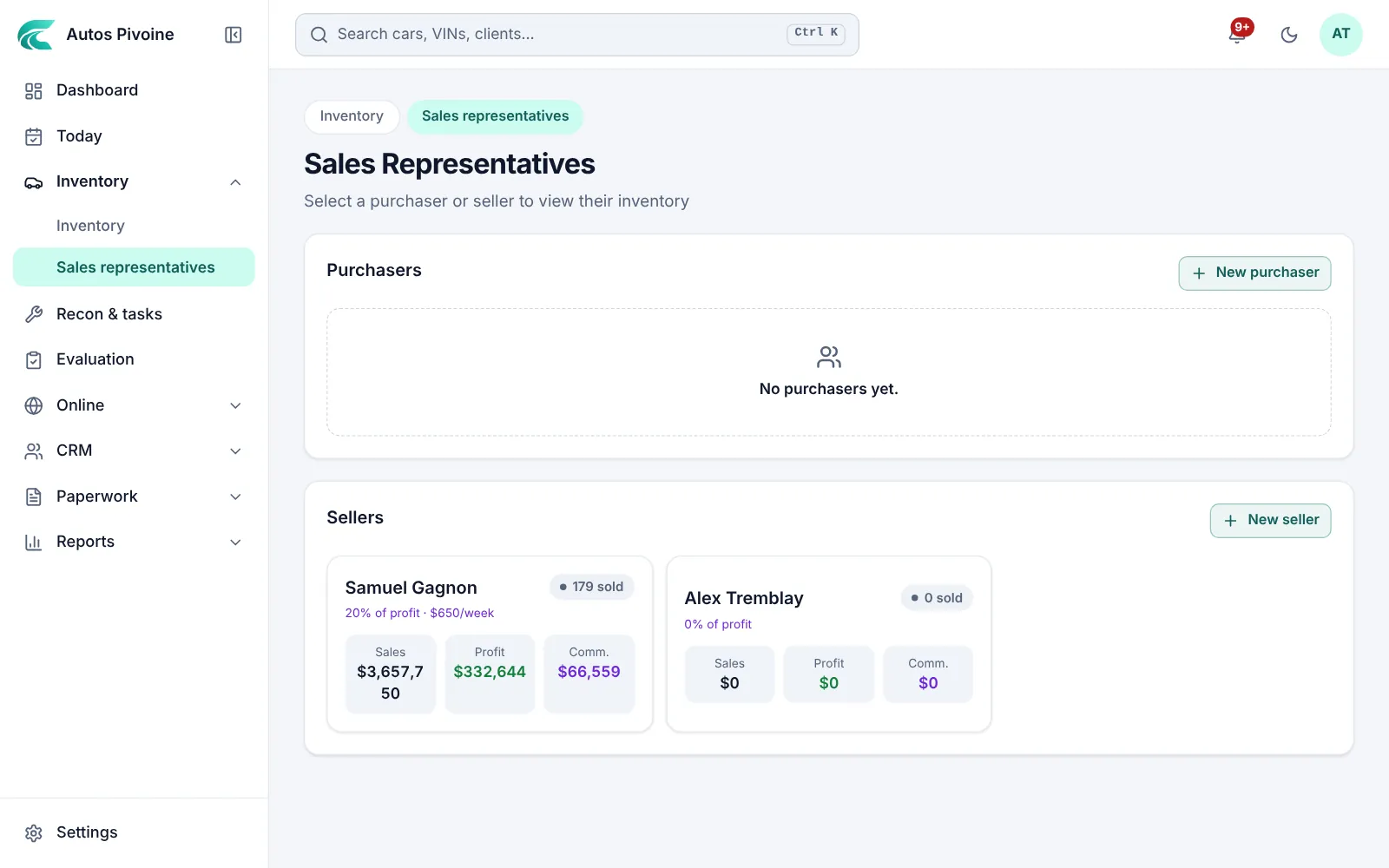
A percentage, an amount per vehicle or a salary, worked out on every sale and marked as paid.
How to use it
- Open Inventory › Sales representatives and add your sellers.
- Choose how each one is paid.
- The commission is worked out on every bill of sale.
Included in every plan.
Two-step sign-inNew
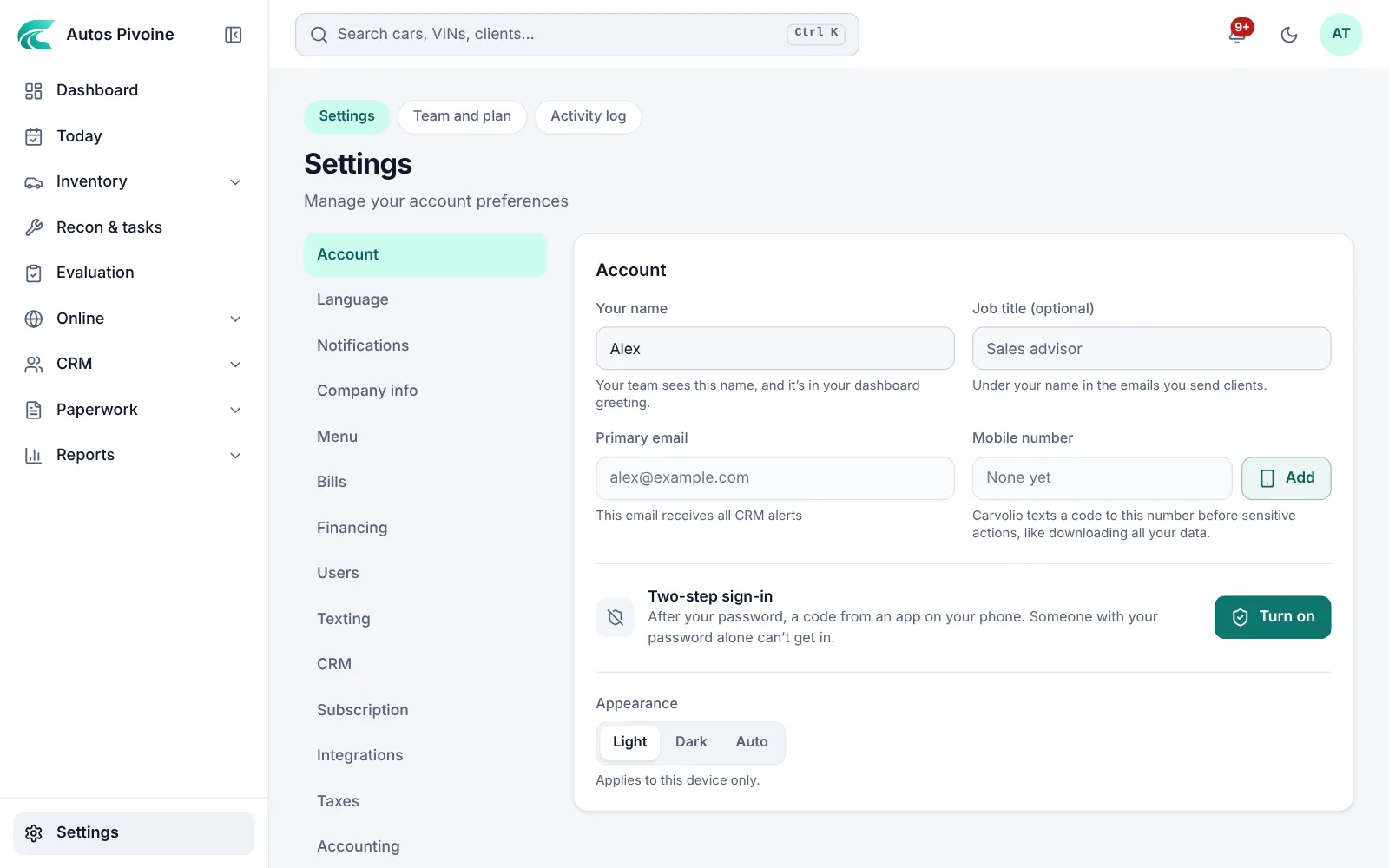
A code from an authenticator app on top of the password, for one person or for the whole team.
Why it helps
A stolen password isn’t enough to see your clients and your numbers.
How to use it
- Open Settings › Account and choose Turn on two-step sign-in.
- Scan the code with your authenticator app.
- The owner can require it for everyone in Settings › Users.
Included in every plan.
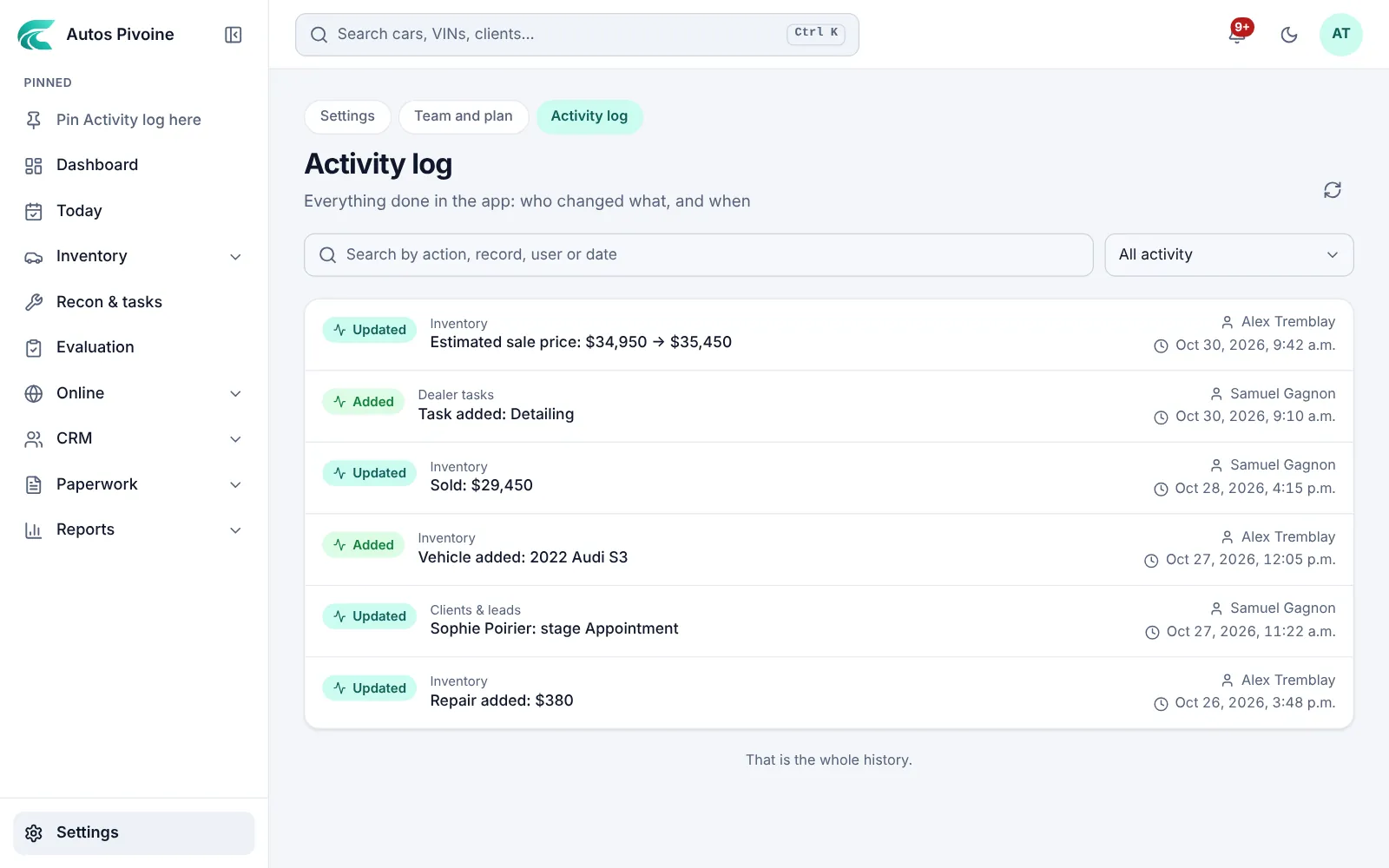
Activity log
Who changed what, and when, on every vehicle and document.
How to use it
- Open Activity log.
- Filter by person, vehicle or date.
- Open a line to see before and after.
Elite plan.